Decor & Embellishments

There are many ways to spice up your import that go beyond how the markings are designed.
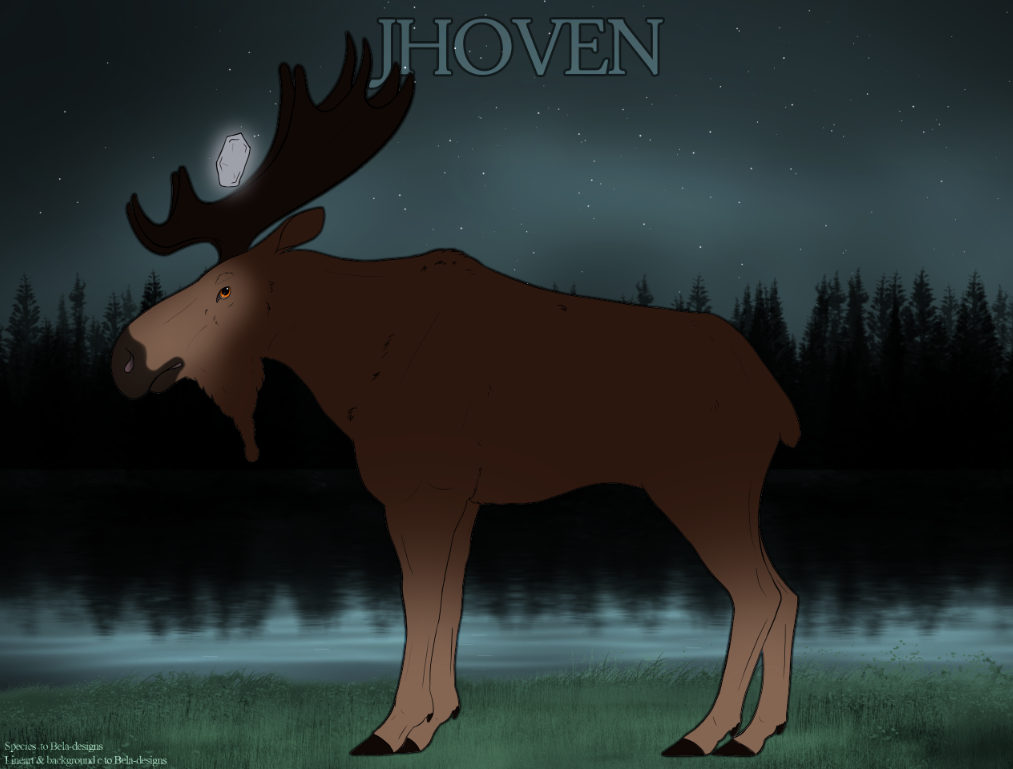
This page gives you all of the available options to spice up your Jhoven’s import image to make them stand out from the rest!

Free Embellishments

These embellishments may be added during the design process and are free to add to your import.

Logos
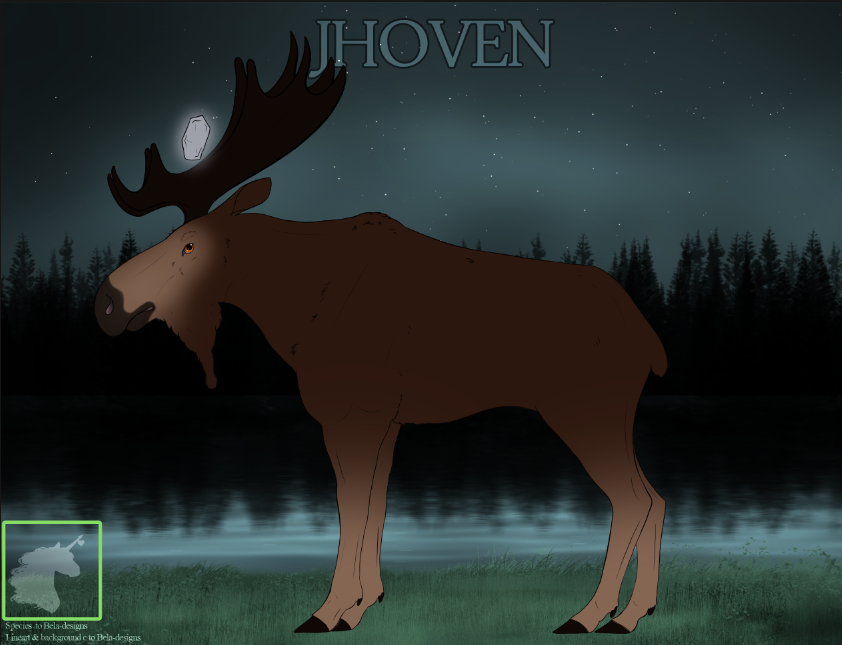
You may have your logo on the import sheet,
• It must be in the bottom left corner above the species credits.
• It must fit inside the box provided in the import template.
• It must be 40% – 50% in opacity. Or have the filter
Soft light applied.

Outlines

You may have an outline on your import.
It must be;
• White (#ffffff) or Black (#000000)
• Have either the soft light or overlay filter applied.
• Be at 40% -60% opacity

Decor Items

Decor Items are items in the game that let you add certain decorations to your Jhoven’s import.

Please note:  That all import designs need to be approved without items first unless an item states otherwise.

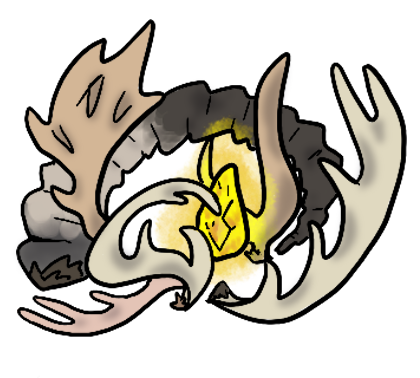
Antler Enamel
This Item with one use let you;
• Color the antlers of your import using the white swatches if there is no white touching them,
or
• Paint your Jhoven’s antlers a color not on the official swatches,
or
• Design your own antlers.

Obtained: Crafting, Open Market

Backgrounds

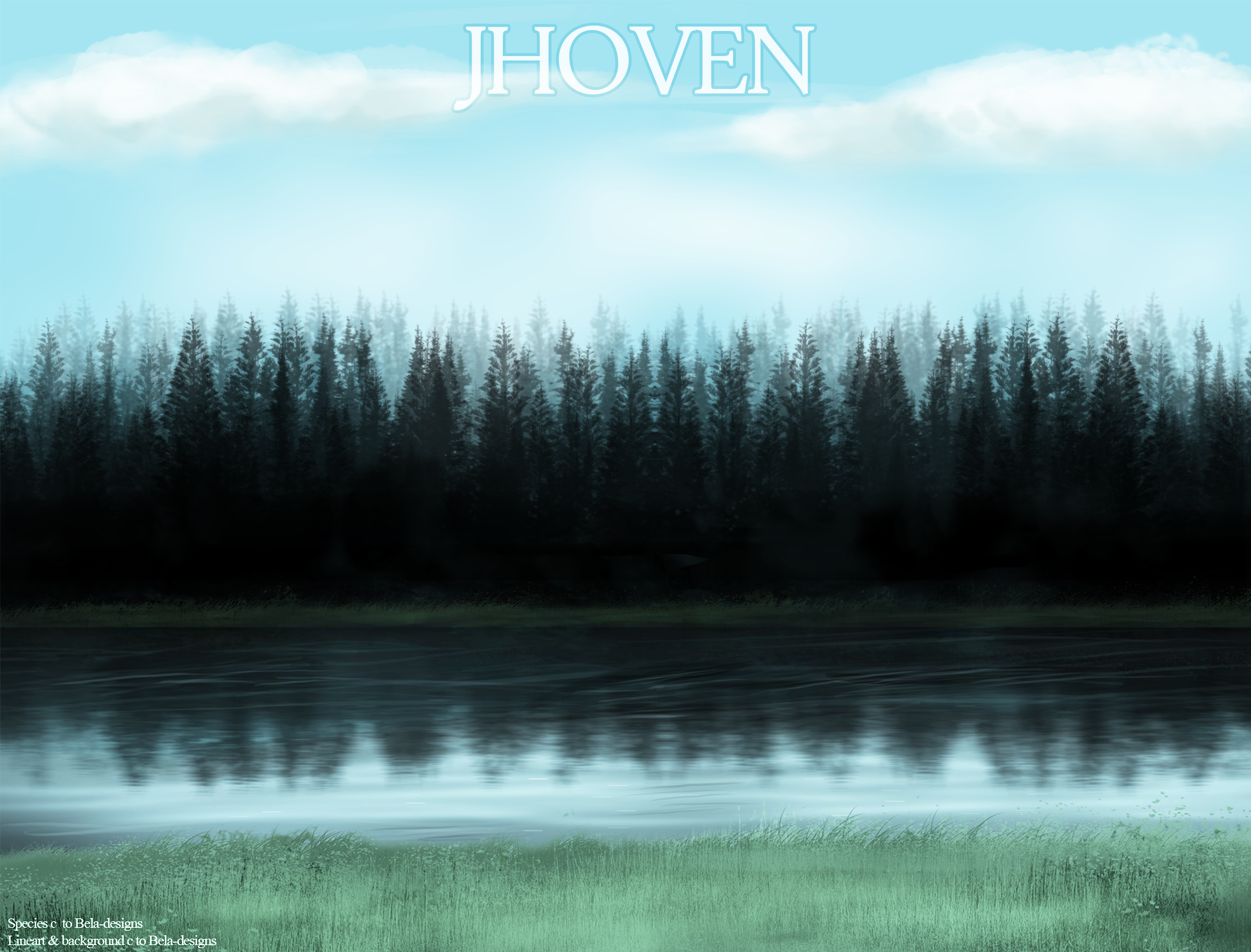
Using A Treasured Map item which will let you change the background of your Jhoven to any background that you have a purchased use of or won in a raffle/giveaway.

~Click here to see all of the available backgrounds~

Battle Scars

• Add 1 medium scar, or 3 little scars per use
Up to 6 uses on one Jhoven allowed.
Using 5 will allow you to alternatively have one limb removed.

Battle Scar Ranges

Obtained: Battling

Brush

This item with one use lets you;

• Edit the import lines to add more fur,
Brush Range
or
• Color the line art.
Line art must always be darker than what it sits on top of.
You may use the brush to color the line art with your initial design approval.

Obtained: Crafting,  Open Market

Design Redo

This item lets you
• Completely change an uploaded Jhoven’s design.
This lets you change Your uploaded Jhoven’s design completely according to the genotype.

Obtained: Open Market

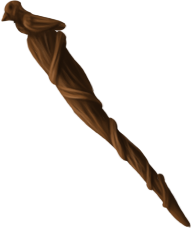
Druid Wand

This Item lets you;
• Add 1 big, or 2 small items  per use
Up to 4 big items or 7 small items.

Druid Wand Ranges

Obtained: Crafting,  Open Market

Face Paint

This item lets you
• Add up to 2 paint symbols per use.
Up to 10 symbols.

Face Paint Range
Face paint cannot be used to extend the range of or mimic markings.

Obtained: Crafting,  Open Market

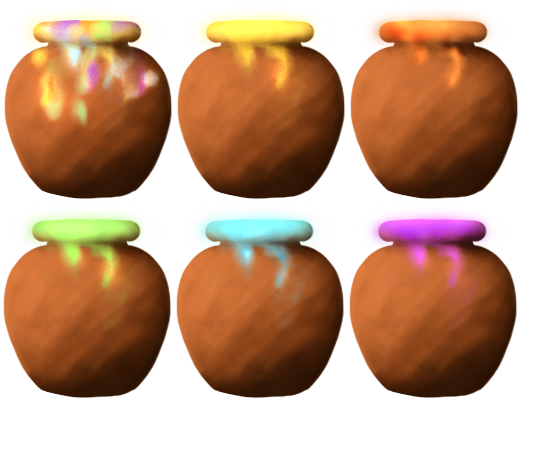
Glowing Paints

This item lets you
• Add up to 5 glowing paint symbols per use.
Up to 15 symbols can be on a Jhoven at once.
• Allows a Jhoven at rank Mega moose to have one Spirit Symbol with 1 use.
Face Paint Range
Specified colored paints must use colors found on the corresponding Stone swatches.

Obtained: Crafting,  Mega Moose Rank, Kraken Quest

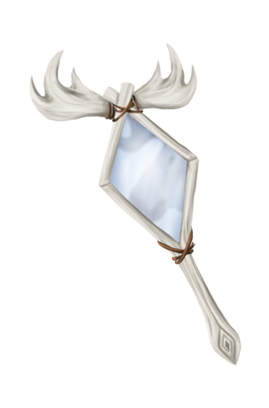
Nice Mirror

This item lets you
• Make tweaks to an uploaded Jhoven’s design.

This item is good for small designs tweeks such as:
-Adding or removing a cluster of bird catcher,
– Removing or adding a color to Soul Socks/Spirit Tracks,
– Tweaking the shape of a marking, 
– Adding or removing free white and pinkening.

Obtained: Crafting, Open Market

Stone Wash

With one use this Item lets you;
• Edit the shape of your stone,
or
• Change the color of your stone to a color not on the needed swatch.
This color cannot be black, white, or any color of grey.

!! Any stone color showing on the hooves and or antlers cannot be changed with this item.
Obtained: Crafting

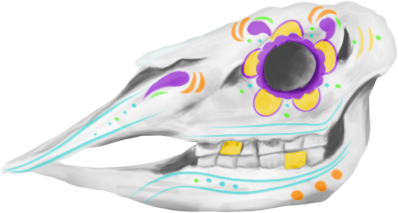
Sugar Skull

With one Use this Item lets you;

• Paint your Jhoven’s whole face white and have as many symbols as you’d like on the white area.
OR
• Paint as many symbols as you’d like on your Jhoven’s face.

Obtained: Events – Harvest Event

Swatch Stickers

This Item
Allows the Jhoven this is used on to use the base coat swatches of the other Gender.

e.g Allows a female Jhoven with a red coat to use the red color swatches used by Male Jhoven.

– This may be used on Genos when submitting your design.
– This may be used on uploaded Jhoven only when also using a Design Re-do item

Obtained: Crafting

Treasured Map

This item lets you
• Change the background of your import.
You may use this item with your initial design approval.

Obtained: Crafting,  Open Market

Druid Wand

This Item lets you;
• Add 1 big, or 2 small items  per use
Up to 4 big items or 7 small items.

Druid Wand Ranges

Obtained: Crafting,  Open Market