Design Guide Start Guide
So you have gotten a Jhoven Geno! Huzzah!
The next step is to design it and then upload it to the que!
Below we have the first steps in the designing journey laid out for you.
Bruse The Moose
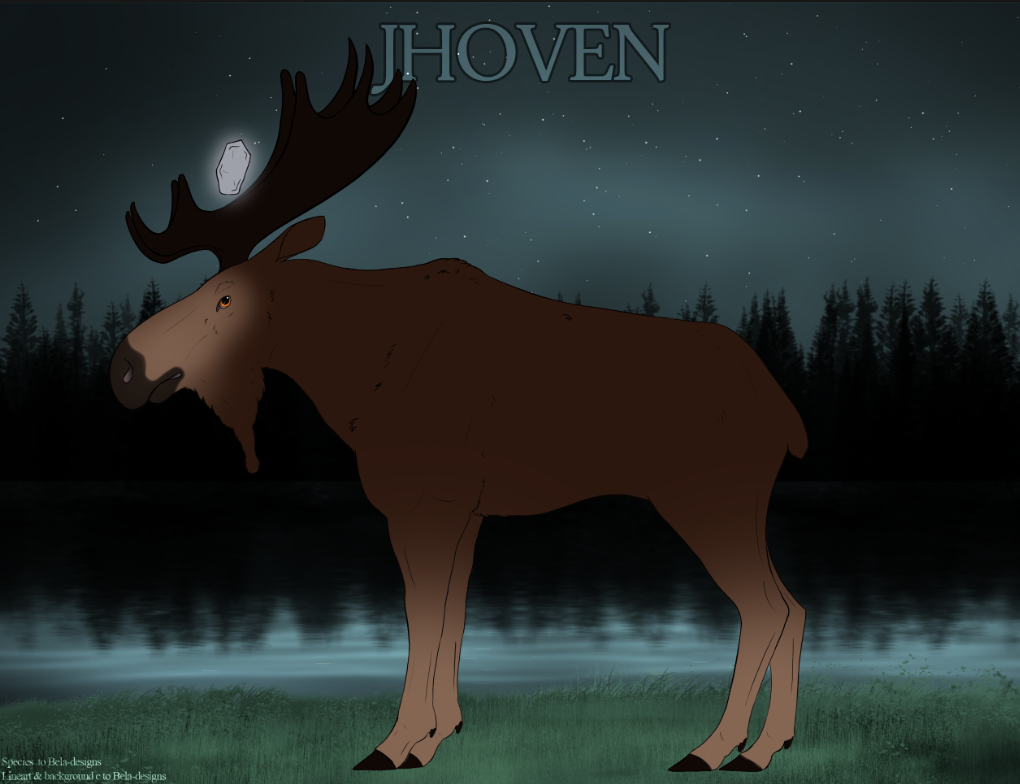
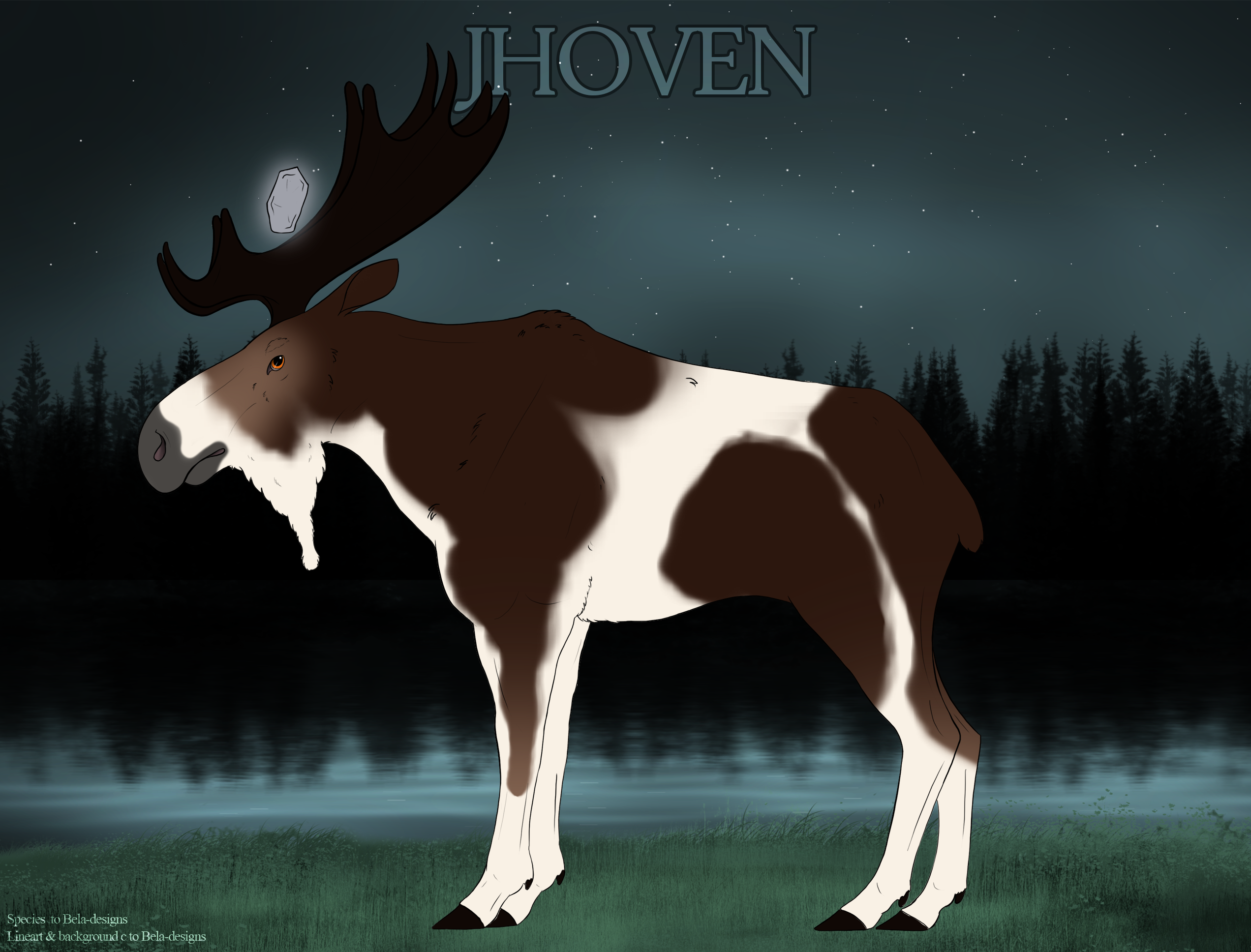
This is Bruse The Design Guide Moose. (Bruse the Moose for short)
Bruse the Moose will have examples all along the way to help you out as best he can.
If you have a question not answered in the guides, please post a question in the Design Questions channel of
Our Discord
Step One
Import Lines
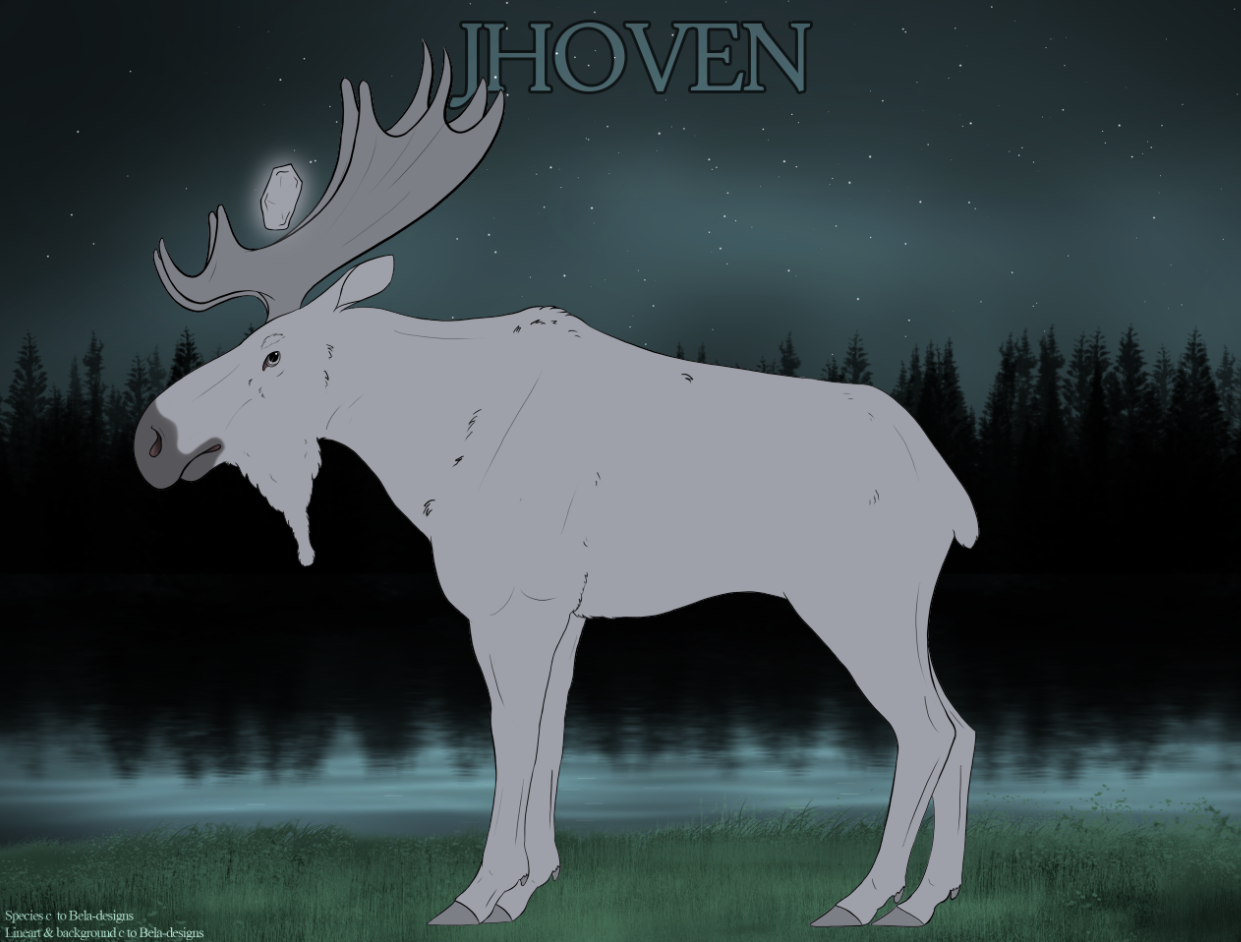
The first step in the design journey is going to be downloading the Import lines.
Find out whether your Jhoven is a Male or Female and down theload the corresponding photoshop file in the google drive linked below.
These are the official lines used to design your moose on.
You can download the official templates
~HERE~
NOTE: If your program cannot open photoshop file,s please send us a message in our Design Questions of Our Discord
An admin will help get our files into the format your program needs.
Step Two
Stone type and color
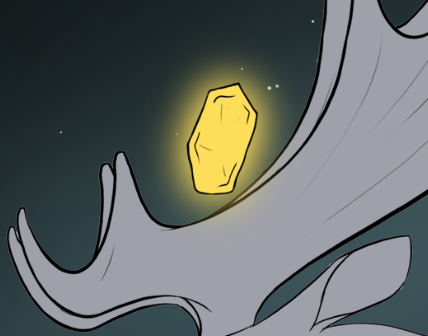
Once you have your markings designed, it’s time for the most important part of your Jhoven. The Stone color!
Head over to the Magic Stones page to learn about your Jhoven’s stone.
Step Three
Base Coats
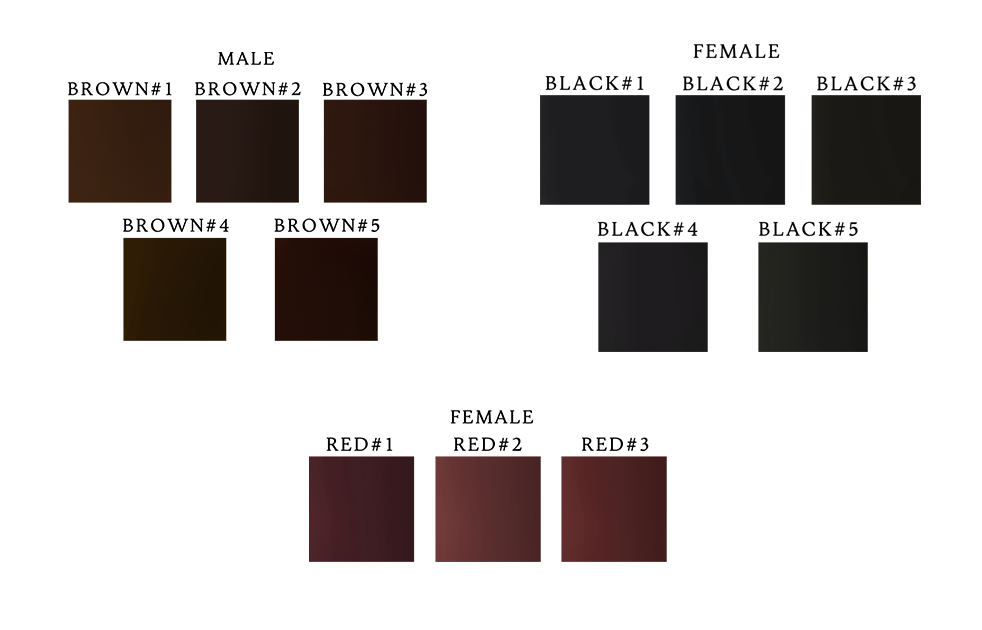
Next, look at the phenotype of your Geno and go to our Base Coat Guide.
You’ll want to go ahead and grab the swatches for the coat your Jhoven will have. We have 6 boase coats total with corresponding swathes for each color.
Step Four
Markings & Mutations
Once you have the color for your Moose, look at the markings in the Phenotype and then go to our markings pages to learn about how to design them!
Bruse the Design Guide Moose will meet you over there!